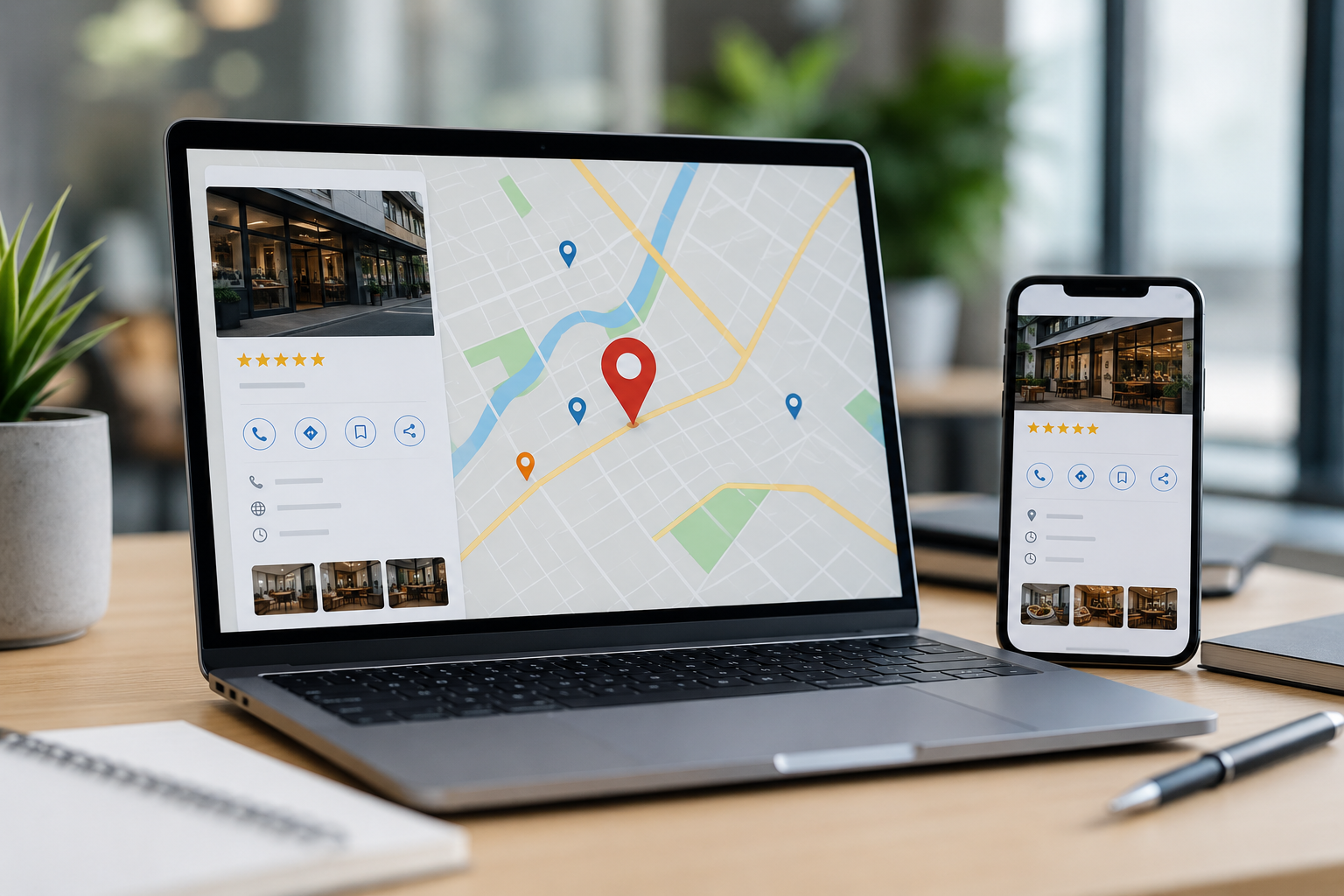
MY IT STUDIO Local Listing Guide: 7 Ways to Help Customers Find Your Business Online
When someone searches for a nearby café, accountant, builder, beauty clinic, electrician or other local service, they often want an answer quickly.
They may search phrases such as:
- “web designer near me”
- “builder Hobart”
- “café open now”
- “plumber Launceston”
- “skin clinic near me”
Google uses business information to help generate relevant local results across Google Search and Google Maps. Information such as a business's location, opening hours and other profile details can therefore play an important role in helping potential customers discover and understand a local business.
For small businesses, this means your online presence should extend beyond simply having a website.
MY IT STUDIO provides web design, SEO, Google Ads and broader digital marketing support, with a Tasmania-based team serving businesses locally and across Australia. Its current marketing approach specifically includes local search visibility, location-focused SEO, website improvements and conversion tracking for service businesses.
This Local Listing Guide explains seven practical ways to make your business easier for customers to find.
Local Listing Guide: Quick Action Checklist
| Area | What to Check | Why It Matters |
|---|---|---|
| Google Business Profile | Claimed, verified and complete | Helps your business appear correctly in Search and Maps |
| Business information | Name, address, phone and hours | Gives customers accurate information |
| Categories | Correct primary and secondary categories | Helps describe what your business actually provides |
| Website | Local service and location information | Connects listings with a stronger local search presence |
| Reviews | Genuine customer feedback and responses | Builds credibility and can contribute to local prominence |
| Photos | Recent business, team and service images | Helps customers understand your business |
| Other listings | Consistent information across directories | Reduces conflicting business information online |
Google advises businesses that improving local visibility begins with keeping Business Profile information correct, complete and current.
1. Set Up and Complete Your Google Business Profile
For many local businesses, Google Business Profile should be one of the first listings to address.
A verified Business Profile can appear across Google Search and Google Maps, allowing businesses to manage important information customers may see when searching locally.
Depending on the business and available profile features, you may be able to add or manage:
- Business name
- Address
- Service area
- Phone number
- Website
- Opening hours
- Business category
- Description
- Photos and videos
- Services
- Social media links
Google recommends accurately representing the business as it exists in the real world, including using its genuine business name and precise address or service area.
Avoid keyword stuffing your business name
A common local SEO mistake is changing a Google Business Profile name to something such as:
“Smith Plumbing Best Emergency Plumber Hobart Tasmania”
when the actual business is simply called:
Smith Plumbing
Google's guidelines state that the profile name should reflect the real-world business name used on signage, the website, stationery and other branding. Adding unnecessary information to the name can create policy problems.
Use the appropriate profile fields—not the business name—to explain your services and location.
2. Keep Your Business Information Consistent
A strong local listing strategy depends on accurate information.
Start with the basic details:
N — Name
A — Address
P — Phone
These are often referred to in SEO as NAP information.
Your business details should be presented consistently wherever practical across your website and major listings.
For example, avoid having:
Website:
64 Liverpool Street, Hobart
Another directory:
68 Liverpool St
Another listing:
Liverpool Street, Hobart
if only one version is actually correct.
Google states that Business Profile information should accurately reflect the real business and that addresses and service areas should be precise.
Do not forget opening hours
Incorrect hours create a poor customer experience.
If you change trading hours because of:
- Public holidays
- Seasonal changes
- Staff availability
- Business relocation
- Special events
update your listings accordingly.
Google provides separate options for normal hours and special hours so customers can see when the business is actually available.
3. Choose the Right Business Categories
Business categories help Google understand what a company actually does.
Google recommends selecting a specific primary category that best represents the core business and using additional categories only where they genuinely apply.
For example, a restaurant should not choose unrelated categories simply because those categories contain attractive search terms.
The same principle applies to service businesses.
A business offering:
- Web design
- SEO
- Google Ads
- Software development
should organise its categories around the services it genuinely provides rather than trying to add every remotely related digital category.
Why categories matter
Google describes three broad factors associated with local results:
Relevance — how closely a business matches what someone is searching for.
Distance — how far the business is from the searcher's relevant location.
Prominence — how established or well-known a business appears.
You cannot completely control distance, but accurate categories and business information can help Google better understand your relevance.
4. Connect Local Listings to a Strong Website
A Business Profile should not operate separately from your website.
MY IT STUDIO's digital marketing approach connects search visibility with website content, landing pages and conversion paths rather than treating individual channels as isolated activities.
If someone finds your listing and clicks your website, the next page should reinforce what they just saw.
For example, if your listing says:
“Wedding Photographer – Hobart”
but the website contains almost no information about weddings or Hobart, you are creating unnecessary uncertainty.
A strong local website can include:
- Clear service pages
- Genuine location information
- Contact information
- Testimonials
- Service areas
- Frequently asked questions
- Relevant local case studies
- Clear enquiry buttons
- Mobile-friendly navigation
MY IT STUDIO's current SEO services include keyword research, content optimisation, page titles and descriptions, authority building, site speed, mobile improvements and conversion optimisation.
5. Build Genuine Customer Reviews
Reviews can influence both customer confidence and local search performance.
Google states that review count and positive ratings can contribute to local ranking, while prominence is one of the factors used in local results.
That does not mean businesses should chase fake reviews.
Instead, create a simple process for requesting genuine feedback from real customers.
For example:
After completing a project
Send the customer a short message thanking them and providing an easy way to leave feedback.
After a successful appointment
Include a review request in the follow-up communication.
After an online purchase
Consider requesting feedback once the customer has had enough time to use the product.
The goal is to make leaving a legitimate review convenient.
Respond to reviews too
Responses demonstrate that the business is active and paying attention to customer feedback.
Keep responses:
- Professional
- Personal
- Brief
- Relevant to what the customer wrote
Avoid copying exactly the same response beneath every review.
6. Add Useful, Current Photos
A local listing should help customers understand what they will experience before they contact or visit you.
Google allows businesses to add photos and videos of their location, products and services, and specifically notes that exterior photos can help customers recognise a physical business when visiting.
Useful photos can include:
Retail and Hospitality Businesses
- Storefront
- Interior
- Products
- Menu items
- Staff
- Seating areas
Builders and Tradies
- Completed projects
- Work in progress
- Vehicles
- Team photos
- Before-and-after examples
Professional Services
- Office
- Team
- Meeting areas
- Workshops
- Relevant projects
Beauty and Health Businesses
- Clinic interior
- Treatment rooms
- Equipment
- Team
- Reception area
Avoid relying entirely on generic stock photography when real images would give customers more useful information.
7. Audit Your Other Local Listings
Google Business Profile may be the most visible listing for many businesses, but it should not be the only place where your information is checked.
Your business may also appear across:
- Apple Maps
- Bing
- Industry directories
- Local business directories
- Chamber or association websites
- Supplier directories
- Review platforms
You do not need to create hundreds of low-quality directory profiles.
Instead, prioritise listings that are:
- Relevant to your industry
- Relevant to your location
- Used by potential customers
- Reputable
- Accurate
Google can use information from public web content, third-party data and user contributions when building information associated with local businesses.
That is another reason to avoid leaving outdated contact information scattered across the web.
A Simple Local Listing Audit
Every few months, search your business name and review what customers see.
Use this checklist:
| Check | Good | Needs Attention |
| Google Business Profile verified | ✓ | |
| Business name correct | ✓ | |
| Address current | ✓ | |
| Phone number correct | ✓ | |
| Website URL working | ✓ | |
| Opening hours current | ✓ | |
| Primary category accurate | ✓ | |
| Services listed | ✓ | |
| Recent photos added | ✓ | |
| Reviews monitored | ✓ | |
| Website contact details match | ✓ | |
| Major directories updated | ✓ |
If several items need attention, fix the fundamental information first before trying more advanced local SEO tactics.
Common Local Listing Mistakes
Creating Duplicate Google Profiles
Google generally recommends one Business Profile for each eligible business location rather than creating duplicate profiles for the same business.
Using an Incorrect Address
Only display an address that accurately represents the business under Google's eligibility and address requirements. Service-area businesses that do not meet customers at their address can manage how the address is displayed.
Choosing Categories as Keywords
Categories should describe what the business is, not function as a place to insert every desirable keyword.
Forgetting the Website
Local listings may generate visibility, but the website still needs to turn that visibility into enquiries or sales.
Expecting Instant SEO Results
MY IT STUDIO notes that SEO develops progressively and that performance timing depends on factors such as competition, website condition, content quality and website authority.
Local Listing Guide for Service Businesses
For a local service business, a practical setup could look like this:
Google Business Profile
Accurate name, service area, hours, phone, services and photos.
Website
Dedicated pages explaining each major service.
Location Content
Clear information explaining where the business operates.
Reviews
Ongoing feedback from real customers.
Contact Journey
Visible phone number, enquiry form or appointment link.
Tracking
Measurement of phone calls, enquiries and other meaningful actions.
MY IT STUDIO's digital marketing service specifically combines SEO, Google Ads, content, website improvements and conversion tracking, with local search visibility included in its service-business strategy.
How MY IT STUDIO Can Help With Local Visibility
MY IT STUDIO is a Tasmania-based web design and digital marketing business with locations listed in Hobart and Launceston. The company provides website development, SEO, Google Ads, content support and web application development.
For businesses seeking stronger local visibility, the team can review areas including:
- Website SEO
- Keyword targeting
- Location-focused content
- Landing pages
- Google search visibility
- Website structure
- Mobile usability
- Conversion paths
- Google Ads
- Tracking and reporting
The current MY IT STUDIO marketing process begins with discovery and an audit before moving through strategy, setup, launch and ongoing optimisation.
This can be particularly useful when a business has several disconnected marketing problems rather than one obvious issue.
Frequently Asked Questions
What is a local business listing?
A local listing is an online profile containing information about a business, such as its name, location, phone number, opening hours, website and services.
Google Business Profile is one prominent example because verified profiles can appear within Google Search and Maps.
Does Google Business Profile help local SEO?
A complete and accurate Business Profile can improve how Google understands and displays your business in local search. Google recommends maintaining complete and current business information to improve local visibility.
What affects local Google rankings?
Google identifies relevance, distance and prominence as key considerations in local search results.
Do reviews affect local rankings?
Google states that review count and positive ratings can contribute to local ranking.
Should my business details be the same everywhere?
Keeping accurate and consistent information across your website and important business profiles makes it easier for customers—and platforms—to understand which information is current.
Does MY IT STUDIO only work with Tasmanian businesses?
No. MY IT STUDIO is based in Tasmania but states that it supports website and digital marketing clients across Australia
MY IT STUDIO Address and Contact Details
Hobart Office
MY IT STUDIO PTY LTD
Level 2, Room 5
64/68 Liverpool Street
Hobart TAS 7000
Australia
Phone: 03 6169 5503
Email: info@my-it.com.au
Launceston Office
MY IT STUDIO PTY LTD
92 Cameron Street
Civic Square
Launceston TAS 7250
Australia
How to Book a Consultation
Businesses interested in improving their local search visibility can book a consultation through the Book a Consultation option on the MY IT STUDIO website. The digital marketing page also offers a strategy-call booking option for businesses wanting to discuss their website, SEO, Google Ads or broader marketing priorities.
You can also contact the team directly:
Phone: 03 6169 5503
Email: info@my-it.com.au
Before the consultation, it can help to prepare:
- Your website address
- Google Business Profile details
- Main services
- Locations or service areas
- Main competitors
- Current SEO or advertising activity
- The types of customers you want to attract
MY IT STUDIO states that its process begins by understanding the business, audience, goals and current marketing before identifying practical opportunities.
Final Thought
A strong local presence is rarely created by one listing or one SEO trick.
Customers may encounter your business through Google Maps, search results, your website, customer reviews, social profiles and online directories before deciding whether to contact you.
The goal is therefore consistency.
Keep your business information accurate. Complete your Google Business Profile. Use genuine customer reviews and real photos. Make sure your website clearly explains what you do and where you operate. Then review your performance and improve the areas that are holding your visibility back.
That approach also reflects how MY IT STUDIO currently approaches digital marketing: connecting SEO, websites, content, advertising and conversion paths around meaningful business outcomes rather than treating each channel separately.
If customers are searching locally but struggling to find your business, this Local Listing Guide is a practical place to start.